Boutique & Store
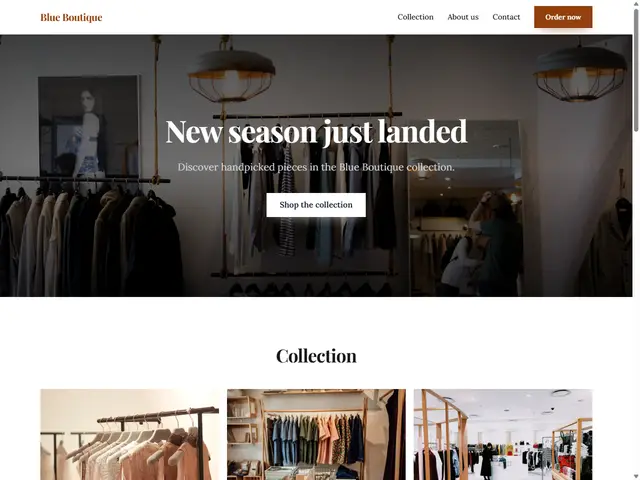
Elegant fonts and a product showcase.
Last updated: 8 min readBy the BirSitem team
Selling online is no longer just for big brands. A maker selling handmade jewelry, a neighborhood bakery or a boutique taking orders through Instagram can all open their own online store. But building an ecommerce website is about more than adding a cart and a checkout page: your product, your sales channel, legal obligations, payments, shipping and trust all have to work together.
This guide walks you through how to start an online store from the first idea to launch, in plain language. Where legal or tax questions come up, we point you in the right direction, but the rules depend on your country and situation, so check them with a local accountant or lawyer.
Most people start by asking which platform to use. The better first question is: what exactly are you selling, and to whom? The answer shapes everything from pricing to shipping, and even which rules matter most to you.
Write all this down on one page. Look at how competitors sell, where their prices sit, and what your customers ask you most often. That small bit of homework makes every later decision easier.
There are two main ways to sell online: open a shop on a large marketplace, or build your own ecommerce website on your own domain. Both have real strengths and weaknesses, and many businesses end up using both.
The right choice depends on your product, budget and time. A sensible approach for many small businesses is to treat their own site as home base and use marketplaces as an extra channel. That way you can send followers and marketplace buyers to one trustworthy address. If you are weighing platforms, our guide on website builder vs custom development may help.
Rules for selling online vary from country to country, but the same topics come up almost everywhere. Use this as a checklist to discuss with a local accountant or lawyer before your first order.
In Turkey, sellers typically need tax registration (often starting as a sole proprietorship), may need to issue e-Archive or e-Invoices depending on their situation, and e-commerce service providers must register with the Ministry of Trade’s ETBİS system. Distance selling rules require a pre-information form and a distance sales contract, and consumers generally have a 14-day right of withdrawal, with exceptions such as personalized or perishable goods. Personal data falls under KVKK, Turkey’s data protection law, and commercial SMS or email marketing has its own consent rules.
This is not legal or tax advice. Rules change and depend on where and how you sell; always confirm with a qualified professional.
To accept cards on your own site, you generally have two options:
Whichever you choose, make sure card payments use strong customer authentication such as 3D Secure, where the cardholder confirms the payment with their bank. Never store card details yourself; leave that to the payment provider. When comparing offers, put fees, installment options, payout times and refund handling side by side. Bank transfer or cash on delivery can be useful extra options at the start.
The first questions in a customer’s mind are usually “When will it arrive?” and “What if I don’t like it?” A clear shipping and returns policy answers both and makes buying easier.
Online, customers cannot touch the product, so the product page has to speak for it. A good product page has:
Someone ordering from you for the first time wants to trust your site before they pay. These details help:
You can set up most of this today, even before you have a payment system. For a broader look at what every business site needs, see what a business website should include.
Getting a business registration, a payment provider and all the legal pages ready at once can feel overwhelming. The good news is that you do not need all of it to start reaching customers. Many small businesses begin with a catalog site and take orders by WhatsApp or phone. Even then, you are still selling at a distance, so most of the legal points above still apply; check with your accountant.
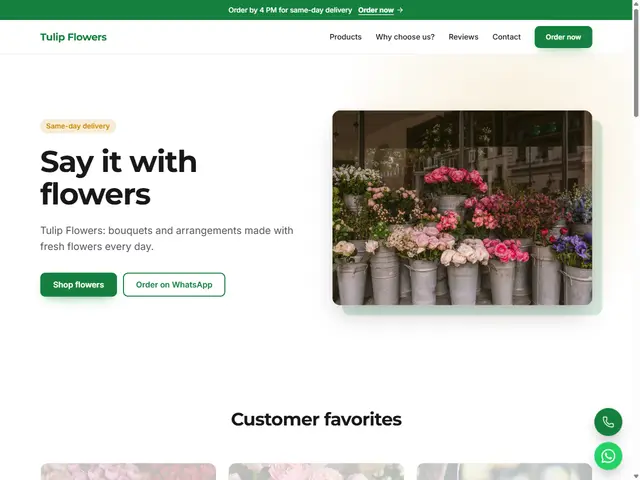
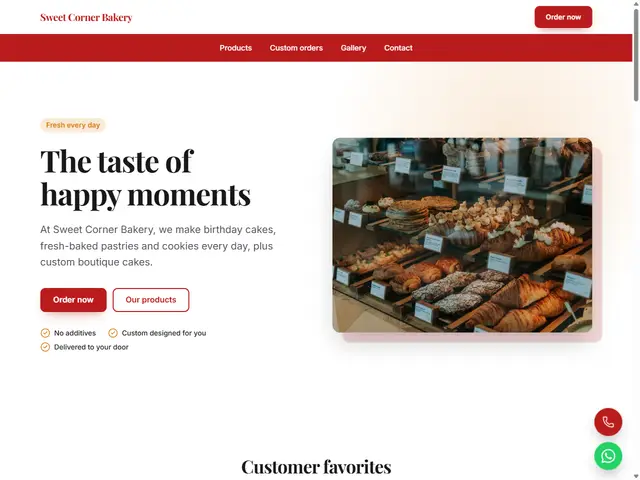
With BirSitem you can build that catalog site today. The Products / listings block shows your products as cards with a photo, title, description and price, and floating WhatsApp and call buttons let visitors reach you with one tap. Contact form messages land in your dashboard and your inbox. You can browse all blocks in the documentation. Pick a template close to your business:
For cart and card payments, our Store plan with a built-in online store and payments is coming soon. If you launch your catalog now and start building an audience, you will have a ready site and customers who know you when it arrives. See current plans on the pricing section, and if you want to understand the cost side, read our guide to website costs.
When you are ready, try the editor without signing up or create a free account; your first storefront can be ready in an afternoon.
7 min read
Privacy-Friendly Contact Forms: KVKK and GDPR Basics
Your contact form collects personal data. Here is how privacy notices, consent, data minimization and security work, explained simply for small businesses.
8 min read
How to Build a Website: A Step-by-Step Guide (2026)
From your goal and domain name to templates, content, basic SEO and launch: a clear, no-code roadmap for making a website for your business or yourself.
7 min read
How to Make a Free Website: What to Check Before You Start
What a free website actually gives you, where the limits are, the hidden costs to watch for, and when a free plan is enough versus when it’s time to upgrade.