General Business
A balanced starting point for any business.
Last updated: 7 min readBy the BirSitem team
“How much does a website cost?” has no single answer. A one-page site for a local service doesn’t cost the same as a shop selling hundreds of products, and the same site can be built in ways that need very different budgets. On top of that, the figure you hear in a quote is often just the beginning: renewals, maintenance and content can change the total significantly over the years.
Rather than quoting numbers that would be out of date by next month, this guide explains what a website is actually made of, which parts you pay for once and which you pay for every year, and what to look out for when comparing quotes. That way, when you compare website costs, you’ll know exactly what you’re comparing.
Your domain (for example yourbusiness.com) is your address on the web, and it’s usually paid for yearly. The price depends on the extension: .com, country domains and newer extensions are all priced differently. Watch out for first-year discounts: the renewal price can be noticeably different. Always check what the domain will cost to renew. Our guide what is a domain name covers the details.
Hosting is the server that stores your site and delivers it to visitors. An SSL certificate gives you the padlock in the address bar and is effectively mandatory today. Some providers include SSL automatically at no extra cost; others charge for it. With website builders, hosting and SSL are usually part of the plan.
If you hire an agency or freelancer, this is usually the biggest single item: design, building the pages and rounds of revisions. With a website builder and ready-made templates, most of this cost turns into your own effort instead.
This is the item most budgets forget. You can write the copy describing your services yourself or work with a copywriter. For images, your options include a professional shoot, well-lit photos taken on your own phone, or licensed stock photos. Genuine photos of your work and team are often the best investment you can make.
Software and security updates, backups and content changes all need regular attention. With an agency this is usually billed through a separate maintenance agreement; with a website builder the platform maintains the infrastructure and you handle content updates.
Sites built on a content management system often rely on premium themes and plugins for forms, security or SEO. Many of these run on yearly licences and stop receiving updates if they aren’t renewed. Ask which licences are included in a quote and whose name they’re registered in.
If you plan to sell through your website, some costs appear that a brochure site never has:
On BirSitem today you can showcase products with product cards and take orders by phone or WhatsApp. The Store plan, with a cart and online payments, is coming soon.
A published website doesn’t bring in visitors by itself. Google and social media ads, managing your business profile or working with an SEO consultant all help people find you, and each is a separate budget line. Keep your advertising budget apart from your website budget, start small and scale up based on results.
The hardest cost to account for is your own time. If you build the site yourself, you’ll spend hours writing, choosing photos and editing. Even with an agency, briefing them, gathering content and approving drafts all take time. Putting that time in your plan is what stops a website project from stalling halfway.
Splitting costs into two groups makes quotes much easier to compare:
An option with a small first invoice can end up costing more once yearly renewals are added; an option that looks pricier up front can be cheaper in the long run. For each quote, do a simple calculation: setup cost, plus every recurring fee over three years, plus a realistic estimate for changes you’ll need in that time. If you’re still weighing up which route to take, our comparison of a website builder vs a custom website will help.
To make sure a good-looking quote doesn’t cause problems later, watch for these warning signs:
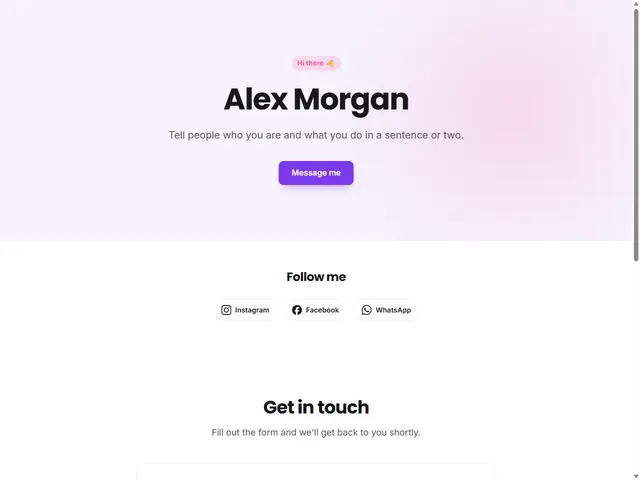
Often all that freelancers, tradespeople, consultants and new small businesses need: who you are, what you do and how to get in touch. Most of the budget should go into content and good photos. A site like this can even start on a free plan; our guide to building a free website shows how. For a quick start, try the Personal Business Card template.
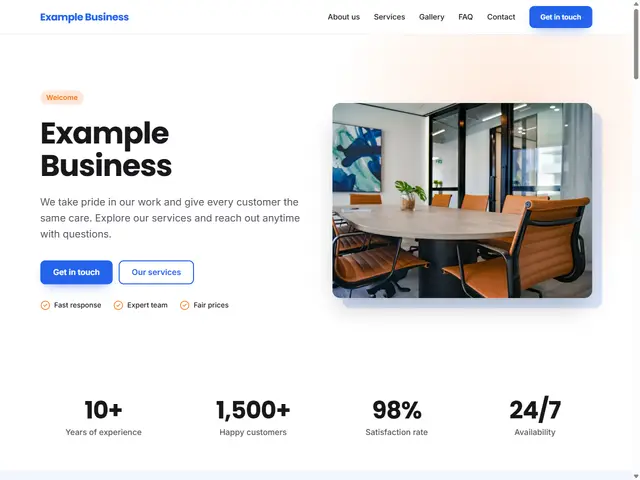
For businesses that want separate pages for each service, a team page or a blog. Your own domain, well-written copy for each page and regular content updates matter most here. Set aside part of the budget for copywriting and for posts you’ll add over time. The General Business template is a good starting point.
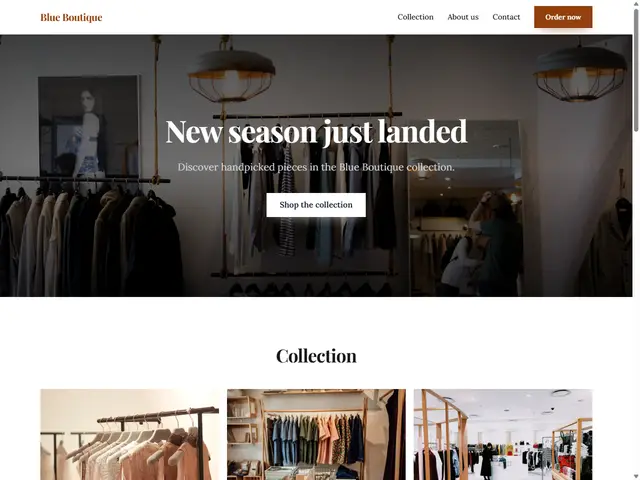
The most involved budget: the platform or software, payment fees, shipping, product photography, legal pages and almost always advertising. Starting with a showcase site that displays your products before you take payments online is a low-cost way to test demand. The Boutique & Store template works well for this.
Whatever the type, leave a small buffer for the unexpected. There’s always a page you’ll want to add or photos you’ll want to replace once the site is live.
We’ve tried to keep BirSitem’s pricing simple. There’s a free-forever plan for one-page sites, and paid plans for things like multi-page sites and connecting your own domain. Hosting and SSL are included in every plan at no extra cost. Yearly paid plans include a free domain for the first year; you’ll find current terms and plan prices in the pricing section.
If you’d like to try it before settling on a budget, open the demo editor without signing up. When you’re ready, create a free account, start with a one-page site and upgrade as your needs grow.
9 min read
What Is a Domain Name and How Do You Get One?
A plain-English guide to domains vs hosting, choosing a good name and extension, buying a domain in your own name, and connecting it to your website with DNS.
7 min read
How to Get Your Business Found on Google (Business Profile + Website)
From setting up a Google Business Profile and handling reviews to preparing your website for local search and Search Console, here’s how to get found on Google.
9 min read
What Every Salon, Restaurant and Clinic Website Needs (Checklist)
The essentials every local business website needs, sector-specific tips for salons, restaurants and clinics, the most common mistakes and a checklist to run before you publish.