General Business
A balanced starting point for any business.
Last updated: 9 min readBy the BirSitem team
When a business owner starts thinking about a website, the first question is usually “How much will it cost?” The more useful question is “Which route should I take?” Building it yourself with a website builder, hiring an agency or freelancer to set one up on a theme, and commissioning fully custom development are three very different paths. Each comes with its own timeline, cost structure, maintenance load and level of flexibility.
This guide compares the three routes as fairly as we can: when each one makes sense, where each one struggles, and which questions to ask yourself before you commit. The goal isn’t to push you in one direction. It’s to help you pick the option that fits what your business needs today and where it’s heading next.
A website builder bundles hosting, an SSL certificate, templates and a drag-and-drop editor into a single service. You pick a template, drop in your own text and photos, and publish. The platform looks after the technical side; you focus on the content. BirSitem is one example of this route: you start from a template designed for your industry, edit it in the browser and go live.
An agency or freelancer builds your site on a popular content management system (CMS), using an off-the-shelf or customised theme. They handle design and setup; you supply the content. Who updates the site after handover, where it’s hosted and who keeps the plugins up to date are separate conversations worth having early.
Here the website or web application is coded from scratch around your specific needs. Design, code and infrastructure are all shaped to fit you. It’s the most flexible route, and also the one that takes longest, needs the most planning and requires ongoing technical care.
The lines between these routes are blurry. Agencies sometimes build on website builders, and custom projects reuse plenty of existing components. We’re comparing the most typical version of each.
Time is often the biggest difference. With a website builder, if your content is ready you can be live the same day; most of the effort goes into writing copy and choosing photos. A theme-based build involves a brief, design sign-off, content entry and rounds of revisions, so the timeline depends on the agency’s workload and how quickly you respond. Custom development moves through discovery, design, build and testing, and it usually has the longest calendar of the three.
It’s more realistic to think in terms of total cost over a few years rather than the first invoice. Our guide on how much a website costs breaks down every line item.
A website isn’t finished on launch day. Software updates, security patches, certificate renewals and backups all need regular attention. The question is simple: who is going to do it?
Content updates belong in this conversation too. If every small change means emailing someone and waiting, the site slowly goes stale. A setup you can edit yourself makes it far easier to keep the site alive.
On flexibility the ranking is clear: custom code lets you do almost anything, a CMS offers a wide range through plugins, and a website builder is limited to the blocks and settings the platform provides. That said, what most small business sites need (services, a gallery, a price list, reviews, a map, a contact form, a WhatsApp button) is covered by a good builder’s ready-made blocks. Unlimited flexibility can also mean paying for capabilities you’ll never use.
On BirSitem’s paid plans you can connect your own domain. You can buy it from any registrar and there’s no need to transfer it to us; the steps are in the documentation.
Search visibility depends largely on the quality of your content, your page titles and descriptions, site speed and how well the site works on phones. All three routes can deliver good SEO; the difference is how much comes ready out of the box and how much is left to you or your developer.
If you want to sell products, track stock or connect to accounting and shipping systems, the picture changes. Website builders offer solid options for simple and mid-sized shops, and e-commerce plugins are common in the CMS world. A very large catalogue, complex pricing or deep integration with your own systems is where custom development comes into its own.
On BirSitem you can showcase products with product cards today; a cart and online payments are coming soon with the Store plan. See the pricing section for the latest on plans.
Custom development isn’t a bad choice just because it’s slower and more expensive. In some situations it’s the only sensible choice. It’s worth serious consideration if any of these apply:
If none of these fit, custom development is probably more than you need right now. For many businesses the pragmatic path is to launch quickly with a website builder and move to something more ambitious once growth makes the requirements clear. What you learn from your first site (which pages people visit, what customers ask about most) becomes the most valuable input if you do commission a custom project later.
If your answers to the first three lean towards “fast, simple, I’ll update it myself”, a website builder is very likely the right starting point. If integrations and bespoke processes dominate, talk to an agency or a development team. If you’re somewhere in between, starting with a builder and learning what you really need in practice keeps the risk low.
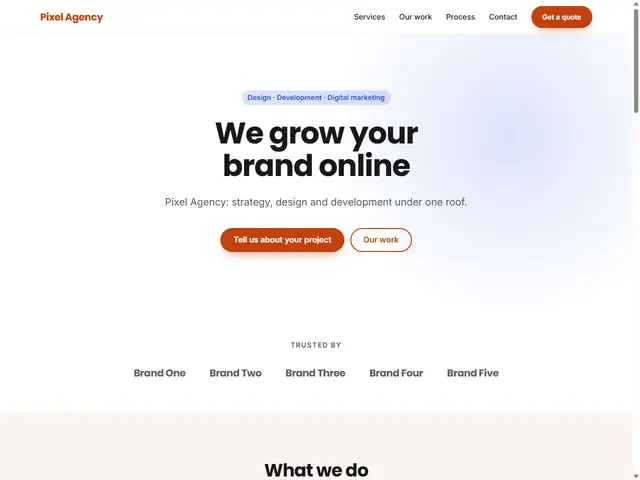
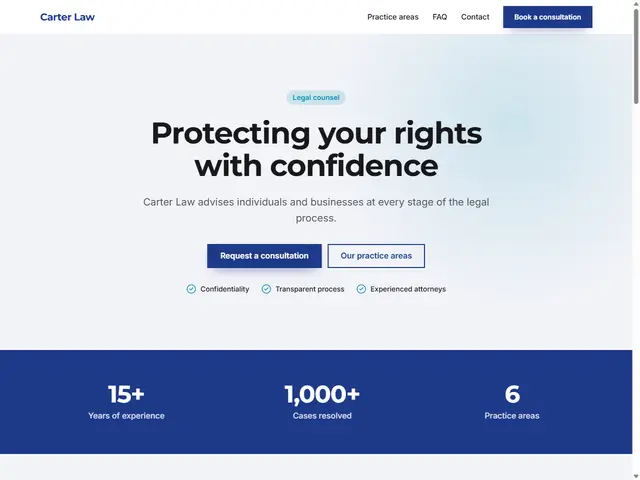
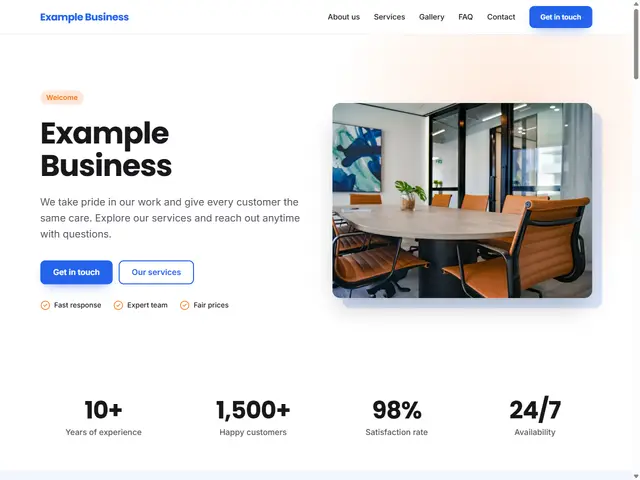
You don’t even need an account to try the builder route. Open a template in the demo editor and change the text, colours and sections to see whether it suits you. The General Business template is a good fit for most small businesses, while the Law & Consulting and Agency & Software templates suit service and consulting firms. You’ll find every option on the templates page.
For a step-by-step walkthrough, read how to build a website, and check the pricing section for plan options. You can start free with a one-page site and upgrade as your needs grow.
7 min read
How Much Does a Website Cost? A Small Business Guide
Website cost isn’t a single number. We break down every line item, from domain and hosting to upkeep, e-commerce fees and your own time, and show how to budget.
9 min read
What Is a Domain Name and How Do You Get One?
A plain-English guide to domains vs hosting, choosing a good name and extension, buying a domain in your own name, and connecting it to your website with DNS.
7 min read
How to Get Your Business Found on Google (Business Profile + Website)
From setting up a Google Business Profile and handling reviews to preparing your website for local search and Search Console, here’s how to get found on Google.