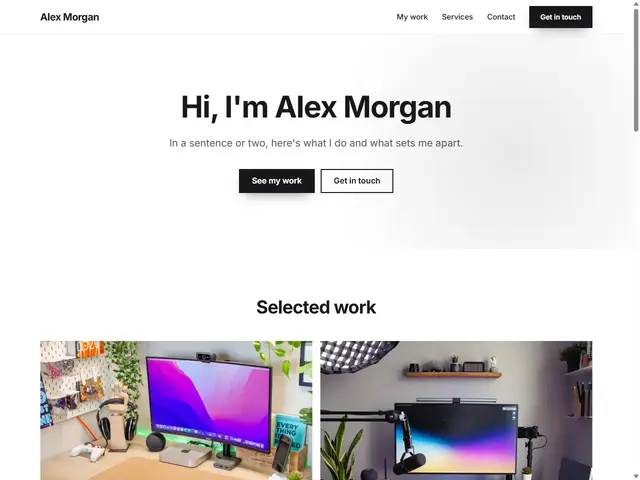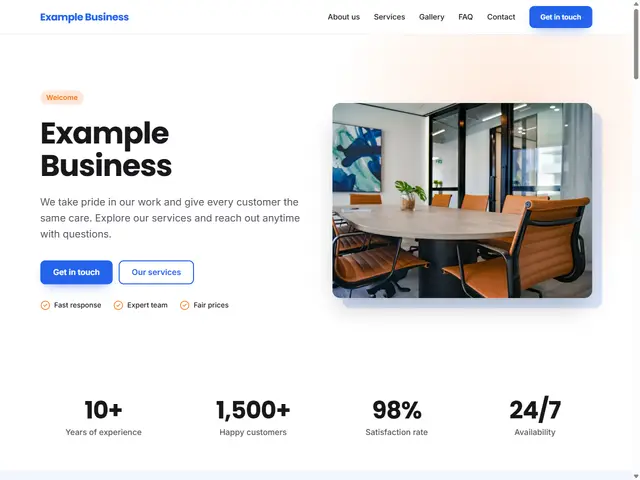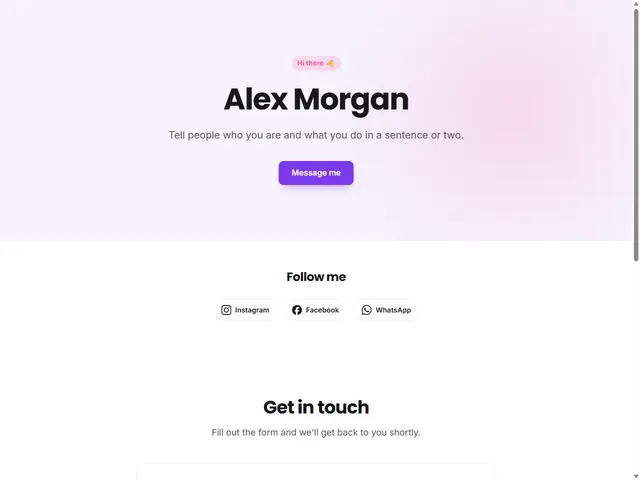
Personal Business Card
One page: intro, social media and a contact form.
Last updated: 7 min readBy the BirSitem team
Behind most searches for a “free website” is a perfectly sensible wish: try things out first and don’t spend money until you know it’s worth it. That’s the right instinct. But “free” doesn’t mean the same thing everywhere. On some platforms it’s a lasting, genuinely useful starting point; on others it’s a trial that asks for payment after a few weeks.
This guide explains what free plans usually include, the hidden costs to look out for, the questions to ask when comparing free website builders, and how to tell when free is enough and when upgrading makes sense.
A free plan is a platform’s shop window: a way for you to get to know the product. To cover costs and give paid plans something to offer, free plans usually come with a few limits. The most common ones:
An often overlooked question is whether your content is yours and whether you can take it elsewhere. The text you write and the photos you upload belong to you, but keeping your own copy on your computer is always a good habit. Check the terms of use to see whether the platform lets you export your site, and what happens to your data if you close your account.
A free site may need some spending at some point. That’s not bad in itself; the key is avoiding surprises. Look at:
To plan your long-term budget, our guide on how much a website costs goes through each item.
Before you invest time in a platform, look for answers to these questions. You can find most of them in a few minutes in the platform’s documentation or demo editor.
This is not legal advice. Privacy and data protection rules vary by country, and making sure your site’s legal texts fit your business is your responsibility. If in doubt, ask a professional.
Not every project needs a big website. A free one-page site works well when you want:
As your site grows, the limits of a free plan start to show. These are signs it’s time to upgrade:
When you upgrade, you shouldn’t have to rebuild your content. If you can move from a free to a paid plan on the same platform, the site you’ve worked on simply grows with you.
BirSitem has a free-forever one-page plan, designed for business cards, portfolios and small introduction pages. It includes:
Sites carry a small BirSitem credit in the footer that matches your site’s colors (it can be removed on the Business plan). For multiple pages, blog posts and connecting your own domain, there are the paid Personal and Business plans, and a Store plan for selling online is coming soon. Yearly paid plans include a free domain for the first year; current terms and plan details are in the pricing section.
When you upgrade, your site stays exactly where it is, with nothing to rebuild. If a paid plan expires, your site isn’t taken down; it falls back to the limits of the free plan. Details are in the documentation.
A well-planned one-page site can be more effective than many multi-page ones.
For a full walkthrough, see our guide on how to build a website.
On the right platform, a free website is a good start: you test your idea, introduce yourself and grow when you need to. What matters is knowing the limits up front and starting somewhere you can grow without rebuilding.
Without signing up, you can open a template in the demo editor and start editing. When you like it, create a free account, bring your demo design into your site and publish. For every option, browse the template gallery.
9 min read
Website Builder vs Custom Website: Which Is Right for Your Business?
Website builder, agency or custom development? We compare all three on time, cost, upkeep and flexibility, with a checklist to help you decide.
7 min read
How Much Does a Website Cost? A Small Business Guide
Website cost isn’t a single number. We break down every line item, from domain and hosting to upkeep, e-commerce fees and your own time, and show how to budget.
9 min read
What Is a Domain Name and How Do You Get One?
A plain-English guide to domains vs hosting, choosing a good name and extension, buying a domain in your own name, and connecting it to your website with DNS.