Resume (CV)
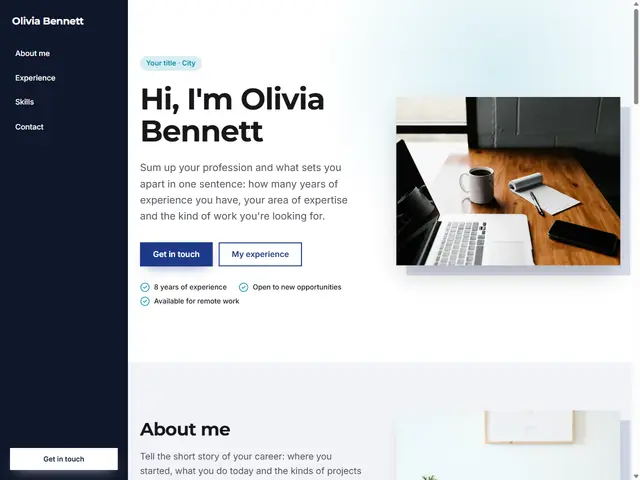
For professionals in any field: experience, education, skills and contact on one page.
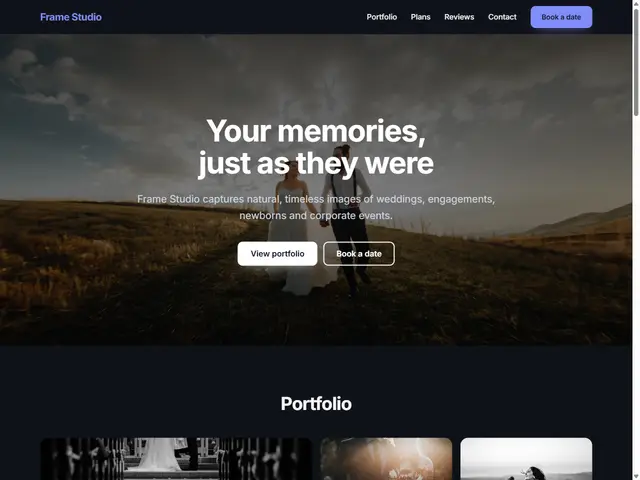
A simple personal site that puts your work front and center with large images and introduces you and your services in a few sentences.
I'm an independent graphic designer creating logos, brand identities and web interfaces. I make simple, memorable designs that get results.
A complete identity with logo, color palette, typography and brand guidelines.
Fast, easy-to-use websites that fit your brand.
Consistent post templates and campaign visuals.
Tell me about your project and I'll get back to you.
Phone
About this template
A portfolio has one job: within a few seconds, visitors should see what you do and how well you do it. That is why this template moves straight from a short introduction to a two-column gallery of selected work with large images. Instead of adding everything you have ever made, choose a handful of your strongest pieces; a tight selection is far more memorable than a crowded archive.
After the gallery, describe what you offer under three headings: your core expertise, a second service and the value you bring to clients. The call-to-action band and contact section that follow make it easy for an interested visitor to reach you, and form messages arrive in your BirSitem dashboard and inbox.
Designer, photographer, illustrator, writer, developer or consultant, the template adapts to any profession. Change the theme, colors and fonts to match your style while your content stays in place. If your work is best seen in motion, add the video block, which works with YouTube and Vimeo links.
A one-page portfolio can be published on the free forever plan. If you later want a page for each project, a blog or a domain with your own name, you can move to a paid plan.
Four to eight of your best pieces is usually enough. You can add as many images as you like, but attention is limited, so give each piece a short title and lead with your strongest work.
Uploaded images are resized automatically, and the crop tool lets you fit them to the ratio recommended for each section. For very detailed work, keeping the cover image simple still helps both speed and readability.
The portfolio template showcases your work visually and suits freelancers and creative professions. The CV template focuses on job applications with an experience timeline and a skills section. You can add any block from one to the other.
There is a free forever plan for one-page sites, and this template is a single page. For extra pages, a blog or your own domain you can move to a paid plan. See the pricing page for current details.
Open the template, swap in your own text and photos and publish in one click. One-page sites are free forever, and you can try it without signing up.
How to Make a Free Website: What to Check Before You Start
What a free website actually gives you, where the limits are, the hidden costs to watch for, and when a free plan is enough versus when it’s time to upgrade.
Do You Need a Website If You Have Instagram?
Instagram is great for getting discovered, but can it carry your whole business on its own? What it does well, where it falls short and how a website fills the gaps.