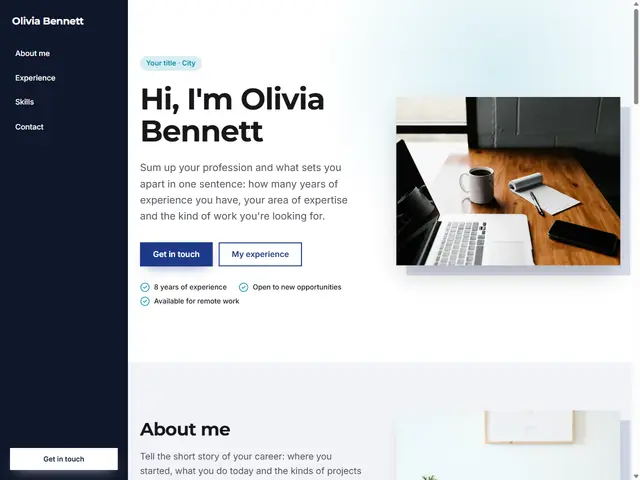
Resume (CV)
For professionals in any field: experience, education, skills and contact on one page.
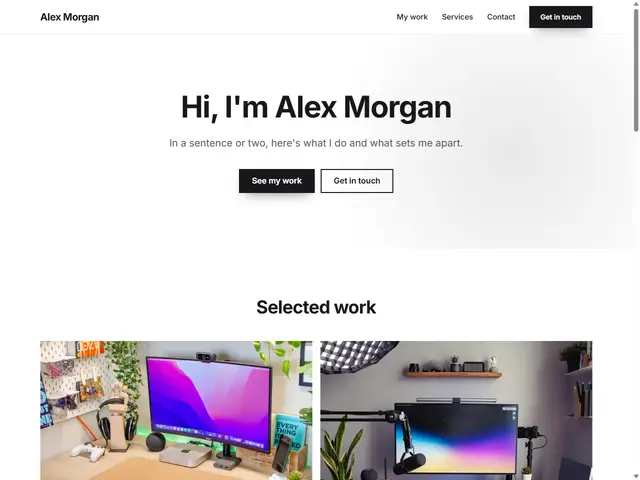
A simple digital business card that puts your name, what you do, your social profiles and a contact form behind a single link.
I'm a graphic designer creating logos, brand identities and websites for businesses. Reach out here about new projects.
Fill out the form and we'll get back to you shortly.
About this template
A printed card is handed out once and goes out of date as soon as your details change. A digital business card is a single link: when your phone number, email or social accounts change, you update the page and the link stays the same. This template keeps it short and to the point: your name, a sentence or two about you, your social links and a contact form.
Because it is a single page, you can publish it on the free forever plan, and it goes live on a free subdomain such as yourname.birsitem.com with SSL included. Add the link to your Instagram bio, your email signature or your WhatsApp status. You can also turn the link into a QR code with any QR code generator and print it on your paper card, a flyer or a trade show stand; anyone who scans it lands straight on your page.
Keep your introduction short and clear: what do you do, and who do you help? Only list the social accounts you actively use. Messages from the contact form arrive in your BirSitem dashboard and your inbox, and visitors accept your privacy notice separately, so you do not have to publish your phone number for everyone to see.
Whenever you need more, add a gallery, video or services block and grow your card into a small personal website.
Yes. There is a free forever plan for one-page sites, and this template is a single page. If you want to connect your own domain or add more pages, you can move to a paid plan; see the pricing page for current details.
Once your site is published, copy its address and create a code from it with any QR code generator. Because the code points to your page address, you do not need to reprint it when you update the information on the page.
Yes. With the contact form, visitors can write to you without seeing your number, and messages arrive in your dashboard and inbox. If you prefer, you can also show your phone, WhatsApp or email with a separate contact block.
Yes. You can add blocks such as a gallery, video, services or FAQ to the same page at any time. Separate pages and blog posts are available on paid plans.
Open the template, swap in your own text and photos and publish in one click. One-page sites are free forever, and you can try it without signing up.
How to Make a Free Website: What to Check Before You Start
What a free website actually gives you, where the limits are, the hidden costs to watch for, and when a free plan is enough versus when it’s time to upgrade.
Do You Need a Website If You Have Instagram?
Instagram is great for getting discovered, but can it carry your whole business on its own? What it does well, where it falls short and how a website fills the gaps.