Personal Business Card
One page: intro, social media and a contact form.
Last updated: 7 min readBy the BirSitem team
For many small businesses the first step online is an Instagram account: it’s quick, it’s free and the customers are already there. Then one day the question comes up: is Instagram enough, or do I need a website as well?
The short answer: for most businesses the two aren’t alternatives, they complement each other. For the longer answer, this guide takes an honest look at what Instagram does well, where it falls short, what a website adds, how they work together and when Instagram on its own may be enough.
There’s no reason to dismiss Instagram. For visual businesses especially, it’s a genuinely powerful tool:
So the real question isn’t “Instagram or a website?” but “What takes care of the things Instagram can’t do?”
The platform sets the rules, the reach and the future of your account. When the algorithm changes, the same post may reach far fewer people. If your account is hacked, suspended by mistake or locked, the customer relationships you built over years can be cut off overnight. A website is your own address: you decide what’s on it and whether it stays online.
Many customers turn to Google when they need something and search for “service + place”, like “hair salon near me” or “vet in Manchester”. Instagram posts aren’t designed for that kind of search. To show up for the right searches, Google needs a page with clear text, a list of services, an address and contact details, along with a Google Business Profile.
Prices in one post, opening hours in a story, the address in the bio, FAQs in highlights… Customers scroll to find what they need, and if they can’t, they send a DM or give up. A structured price list or a text menu simply doesn’t live comfortably on Instagram.
Some customers, especially business buyers and people who rarely use social media, want to check you out without an account. Visitors who aren’t logged in may be prompted to sign in after a while, and some of them will leave. A website is an address anyone can open in any browser, no account needed.
Links in post captions aren’t clickable, and the link space in your bio is limited. Pointing that link to a website is the simplest way to send people to one place where everything is.
It’s common to ask for names, phone numbers, addresses or even health details over DMs. That’s personal data, and privacy laws such as the GDPR in Europe or KVKK in Turkey still apply. A contact form on your site that shows a privacy notice and records consent makes the process much tidier; our guide to privacy-compliant contact forms has the details. This is not legal advice.
In return for those limits, a website gives your business:
The healthiest setup treats your website as the hub, with Instagram and Google as channels that feed into it:
In this setup Instagram helps new people find you, and the website helps them quickly find what they need and get in touch.
To be fair, there are situations where Instagram can do the job for a while:
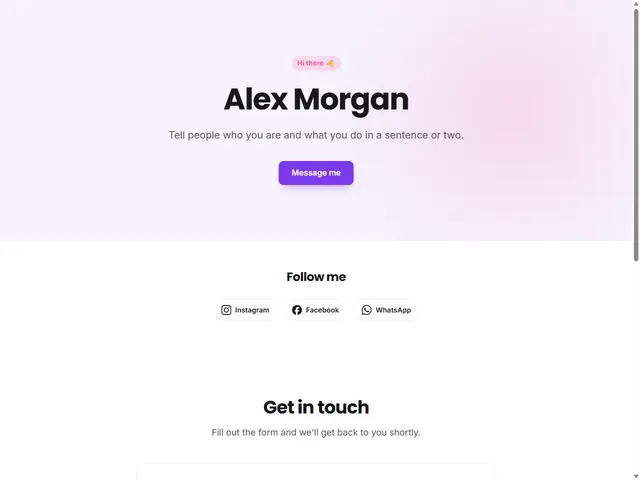
Even then, a low-effort step makes sense: a free one-page site or a digital business card. The Personal Business Card template puts your name, what you do, your contact buttons and your social profiles on a single page. Our guide to building a free website walks you through it step by step.
Building a website doesn’t mean moving everything over from Instagram. Start with the information people ask about most and that changes least:
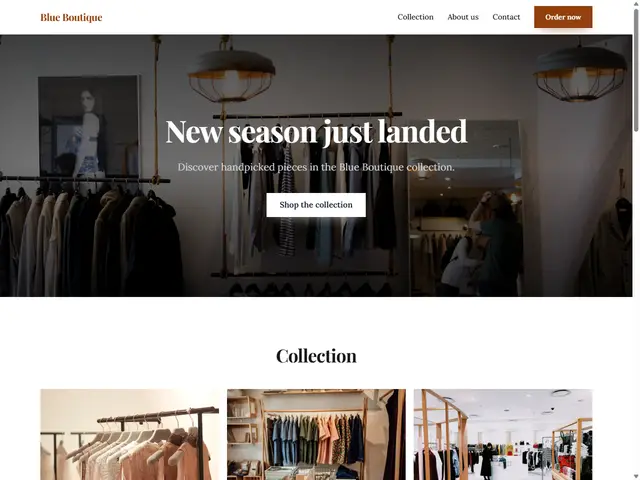
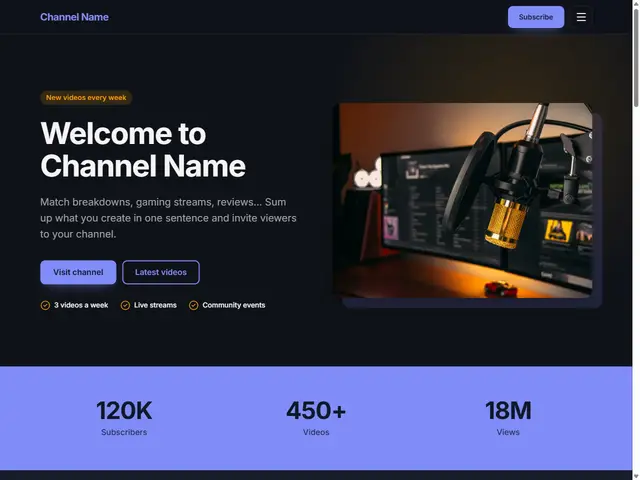
For boutiques and Instagram shops, the Boutique & Store template shows your products as cards; for now orders come in by WhatsApp or phone, and a cart with card payments is coming soon with the Store plan. For creators and streamers, the Creator & Streamer template brings together your videos, collaboration details and profiles. For other industries, browse all templates.
Once your site is live, update the link in your Instagram bio and get into the habit of replying to common DM questions with a link to your site. You’ll stop answering the same question over and over.
A website doesn’t have to be a big project. Start with a free one-page site, then move to a paid plan to add pages and connect your own domain as your business grows. Every site comes with a free address like yourbusiness.birsitem.com, with hosting and SSL included.
First, edit a template in the demo without signing up and see how it looks. If you like it, create a free account and import your design. You can compare options like multi-page sites and your own domain in the pricing section. The people who discover you on Instagram will finally have one place to find everything.
8 min read
How to Start an Online Store: A Beginner’s Guide (2026)
Everything to sort out before you sell online: your sales channel, legal basics, payments, shipping, product pages that build trust, and how to start small.
7 min read
Privacy-Friendly Contact Forms: KVKK and GDPR Basics
Your contact form collects personal data. Here is how privacy notices, consent, data minimization and security work, explained simply for small businesses.
8 min read
How to Build a Website: A Step-by-Step Guide (2026)
From your goal and domain name to templates, content, basic SEO and launch: a clear, no-code roadmap for making a website for your business or yourself.