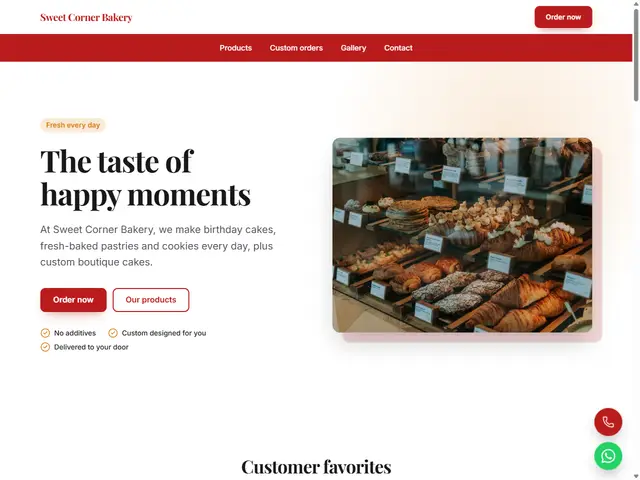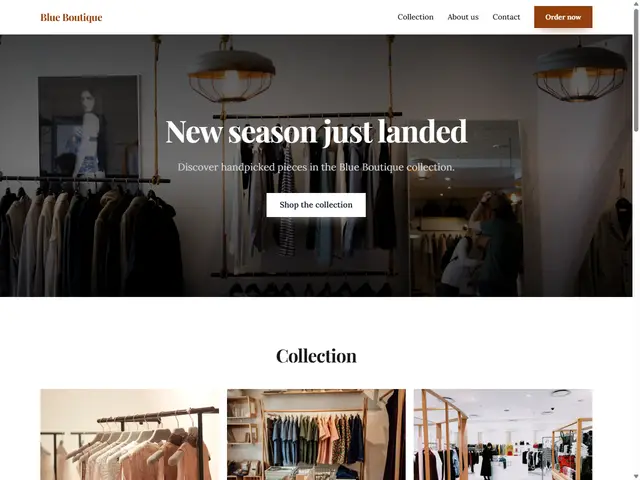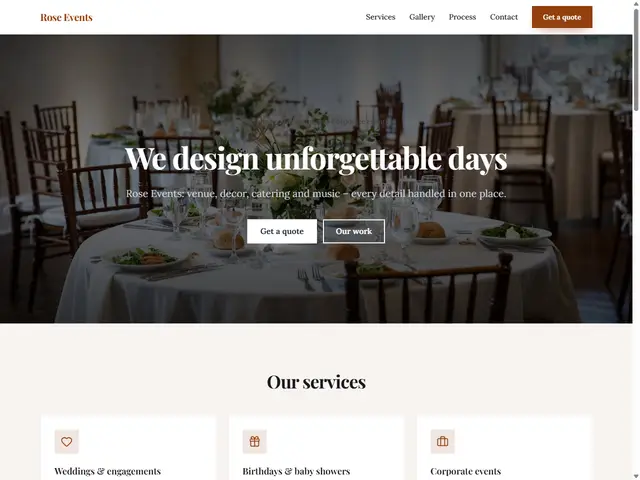
Weddings & Events
An elegant look with services, gallery and a quote form.
Show your bouquets and arrangements with prices and take orders on WhatsApp in a single tap. Announce your same-day delivery cut-off right at the top of the page.
Order by 4 PM for same-day deliveryOrder now
Tulip Flowers: bouquets and arrangements made with fresh flowers every day.
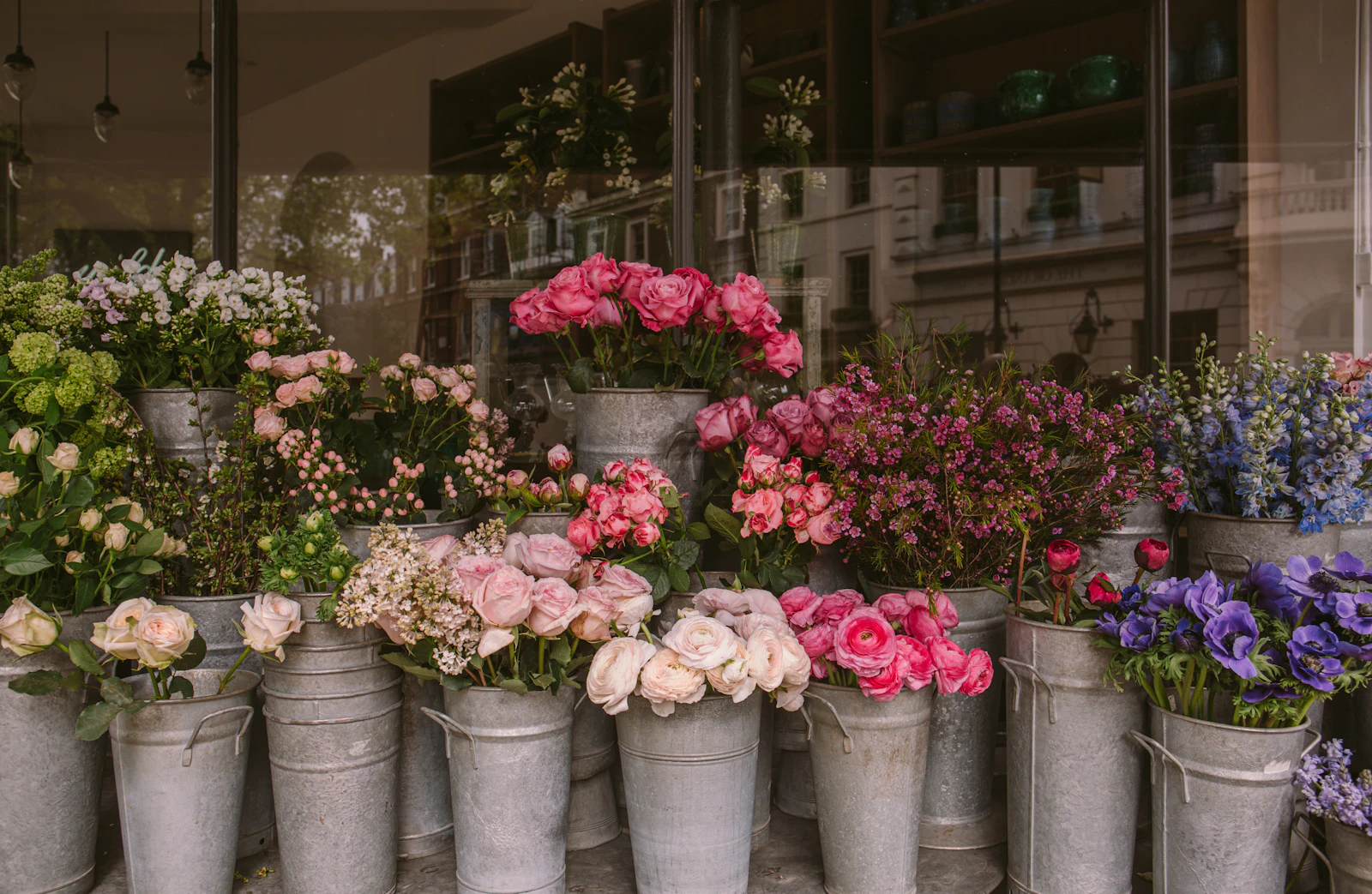
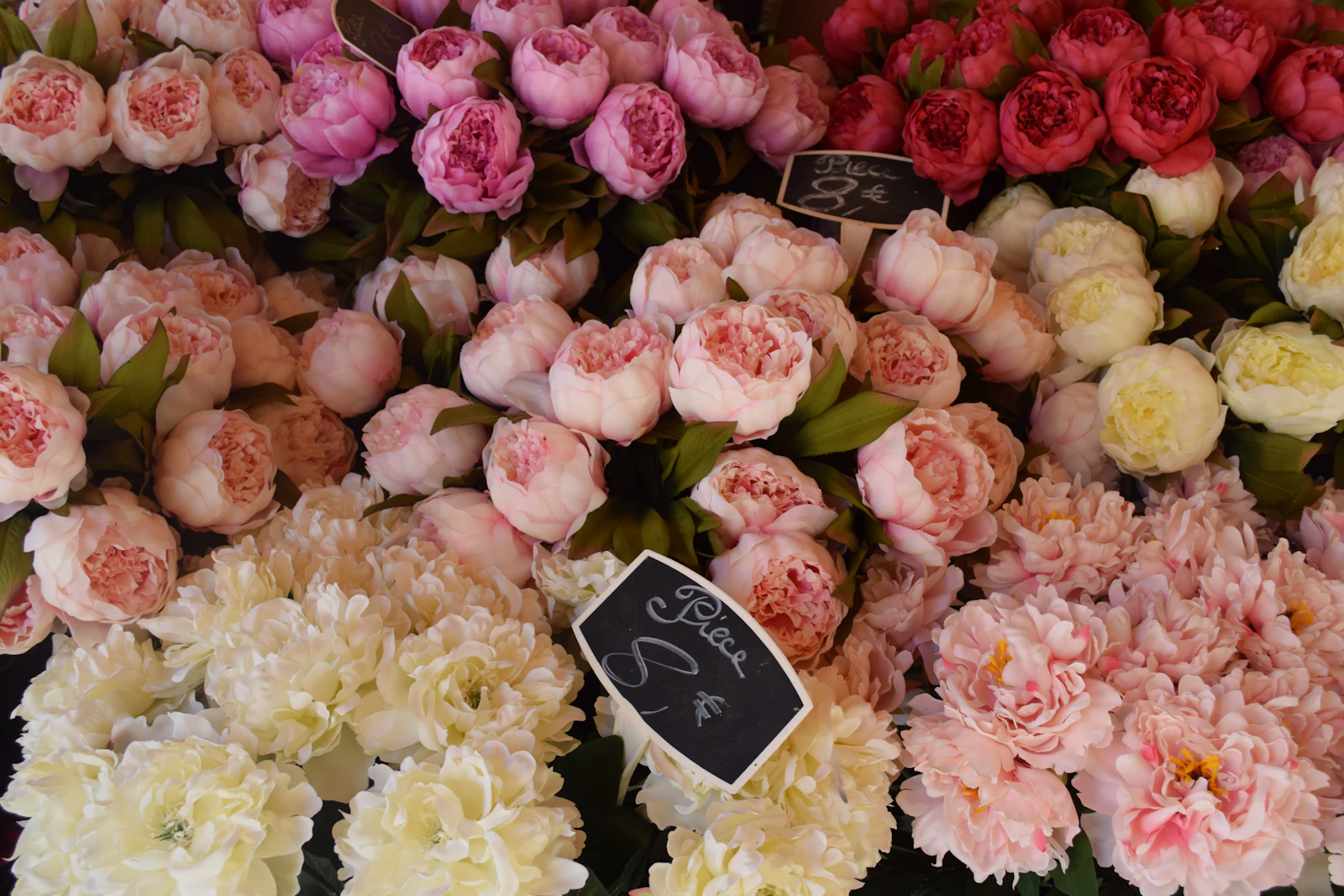
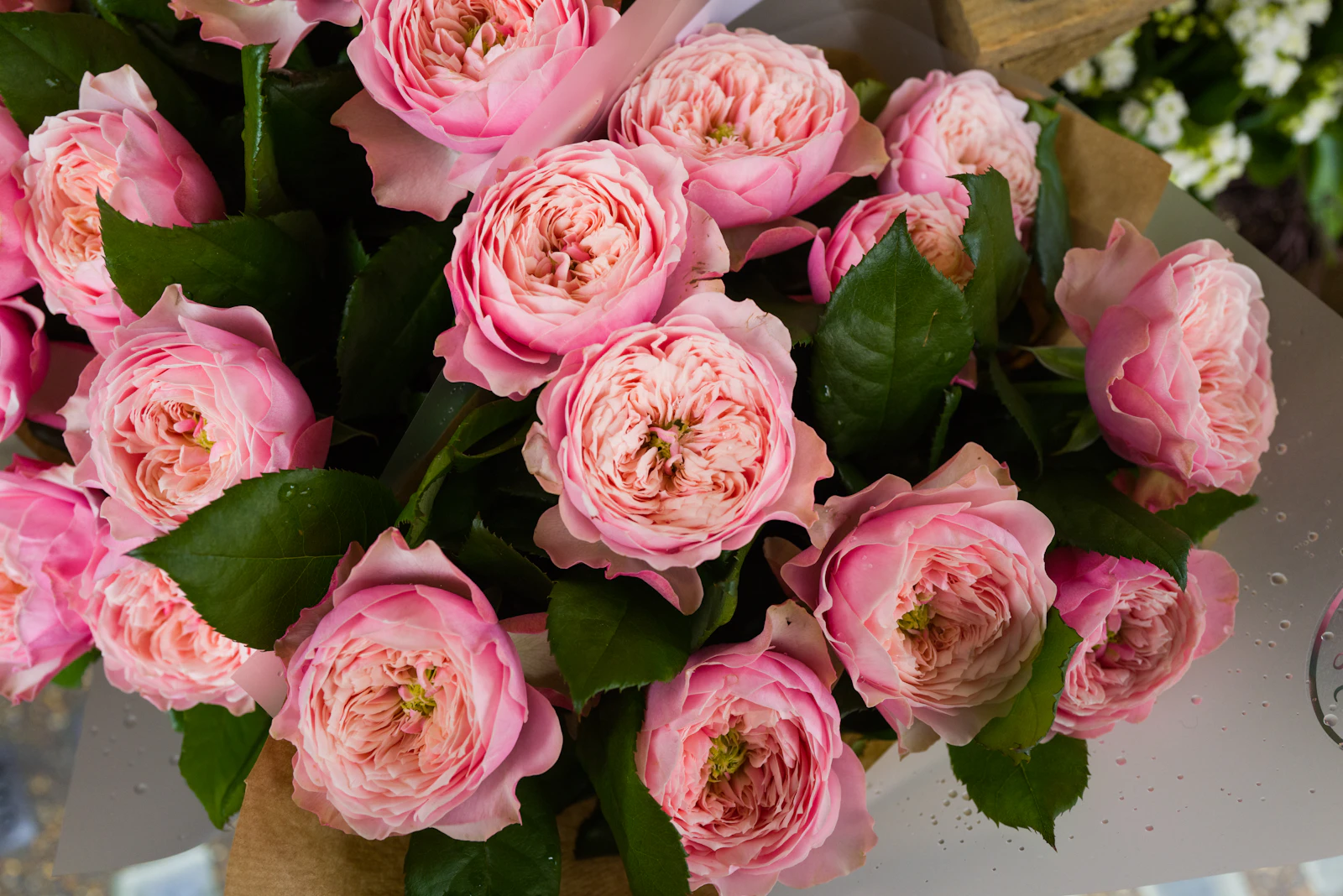
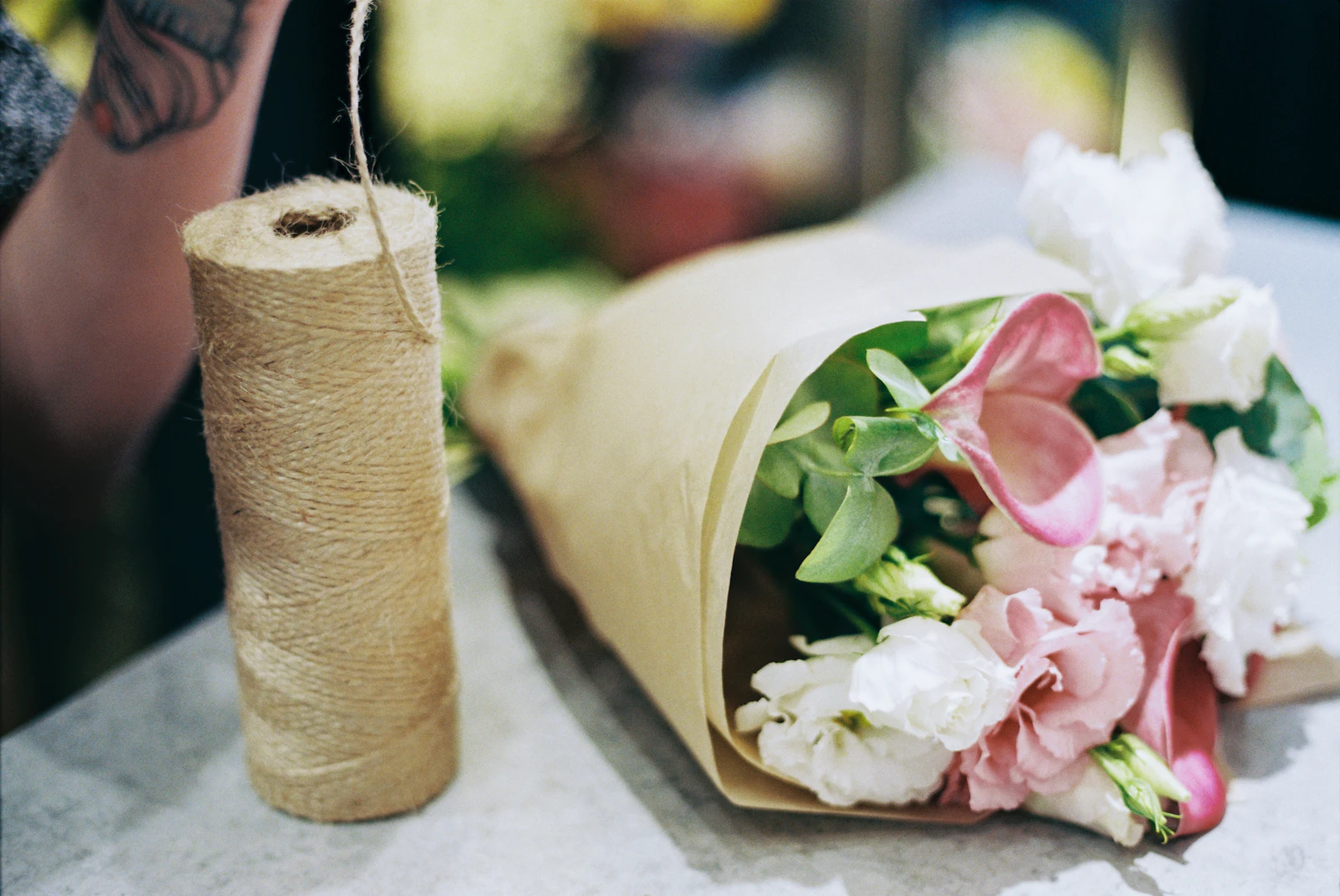
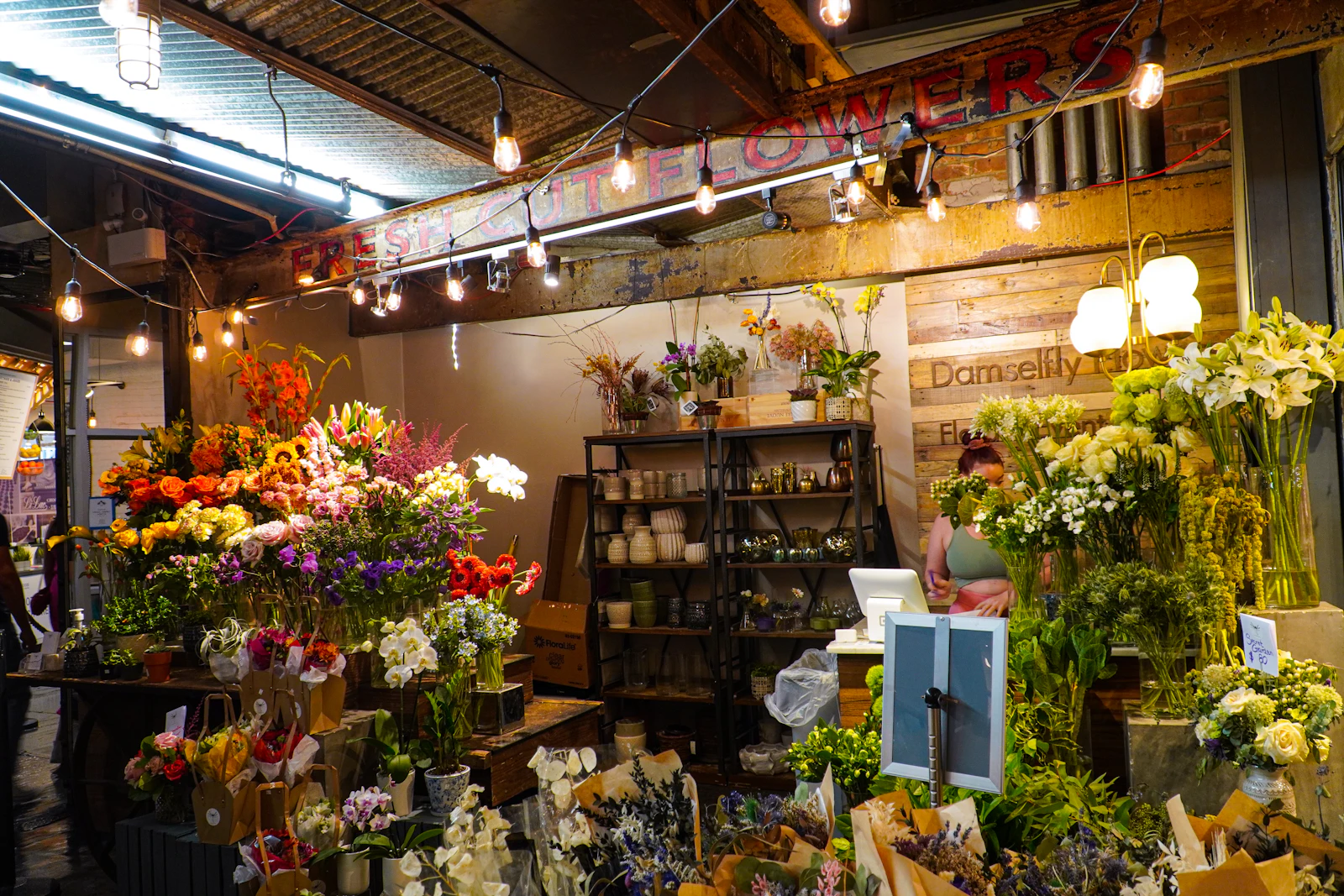
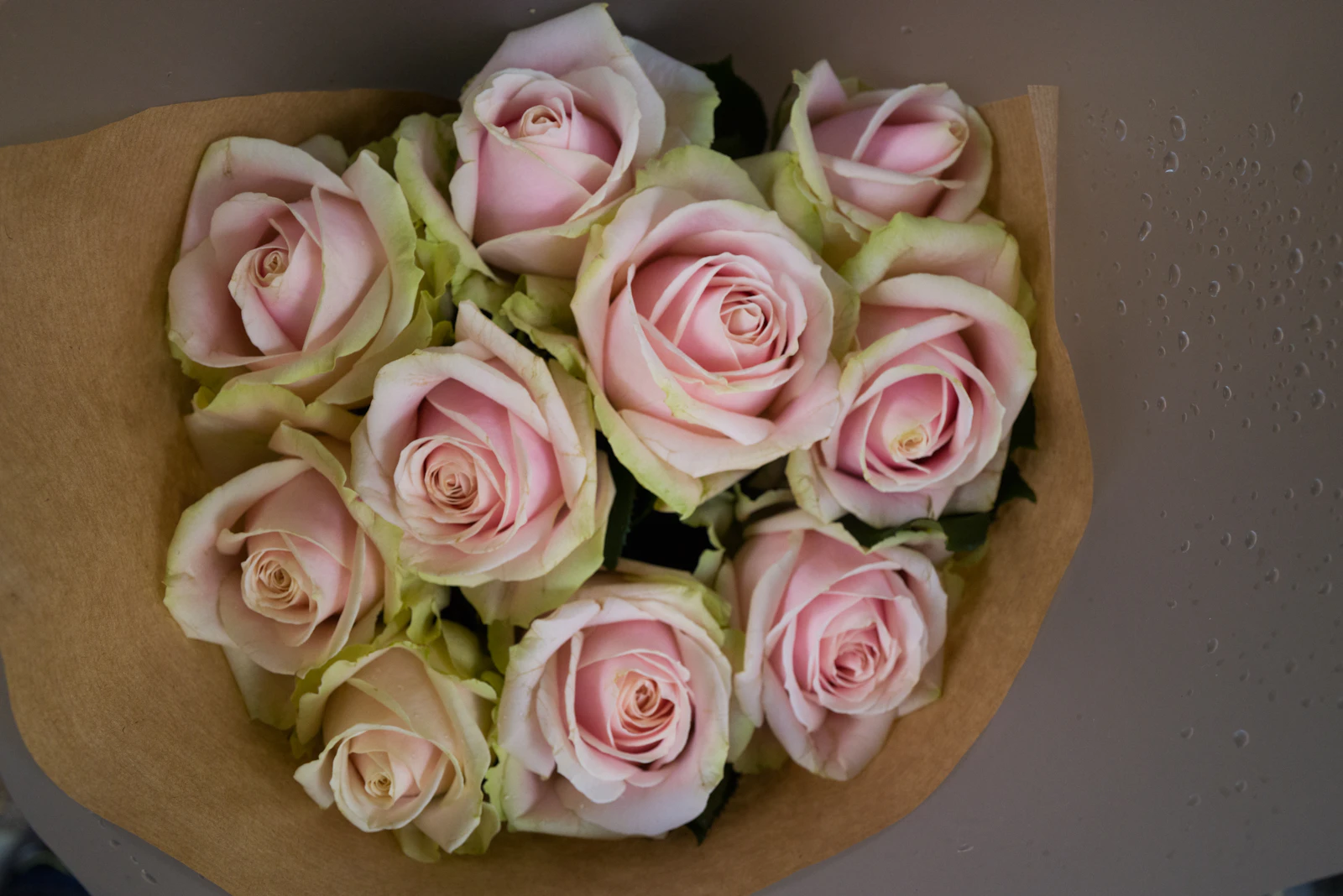
Our flowers arrive fresh from the market every morning.
Local orders delivered to the door within hours.
We add your message in handwriting.
“I ordered from out of town for my mom's birthday. The bouquet reached her door the same day, just like the photo they sent me, and stayed fresh for a week.”
“We ordered the wreaths and arrangements for our office opening here. They arrived right on time, and everyone talked about how elegant the flowers were.”
“They designed my bridal bouquet together with me. It got more compliments than anything else in our wedding photos.”
Message us on WhatsApp – we'll send a photo and ship it once you approve.
Phone
Address
Opening hours
About this template
Flowers are often bought at the last minute, on a phone, and with feeling: a forgotten birthday, an opening that needs a wreath, a get-well bouquet for the hospital. That is why speed is the first job of a florist website. Visitors should see your bestsellers, prices and how to order the moment the page opens. The template's announcement bar shows your same-day cut-off time, and the hero puts the WhatsApp order button front and centre.
Use the product cards for bouquets, potted plants, wreaths and terrariums, each with your own photo, a short description and a price. For bespoke work such as bridal bouquets, write On request instead of a price. Covering delivery areas, gift notes and wrapping options in the Why us section answers the questions customers have before they ask.
Here is how ordering works today: with BirSitem you display your products and take orders via WhatsApp, phone or the contact form, while floating WhatsApp and call buttons let mobile visitors reach you in one tap. A built-in online store with a cart and card payments is coming very soon with the Store plan. Your address, phone number and social links are also added to the page automatically as structured data, which helps search engines understand your shop correctly.
Seasonal peaks like Valentine's Day and Mother's Day are when people search the most, so keep your bestsellers and banner text up to date ahead of them.
Today you can display products with prices and take orders via WhatsApp, phone or the contact form. A built-in online store with a cart and card payments is coming very soon with the Store plan; the pricing page has the latest details.
Not at all. Click a product card in the editor, change the price, description or photo and publish. During busy seasons you can update the announcement bar text just as easily to promote a special or a delivery deadline.
List the neighbourhoods or districts you deliver to in the Why us section or a separate text block, and add a map to the contact area to show where your shop is. An FAQ block also works well for delivery fees and times.
Yes. There is a free-forever plan for a one-page site, so you can pick this template and start editing right away. Multiple pages, your own domain and blog posts come with paid plans; current terms are on the pricing page.
Open the template, swap in your own text and photos and publish in one click. One-page sites are free forever, and you can try it without signing up.
How to Start an Online Store: A Beginner’s Guide (2026)
Everything to sort out before you sell online: your sales channel, legal basics, payments, shipping, product pages that build trust, and how to start small.
How to Get Your Business Found on Google (Business Profile + Website)
From setting up a Google Business Profile and handling reviews to preparing your website for local search and Search Console, here’s how to get found on Google.