Restaurant & Cafe
Cover image, menu, gallery and map.
Present your rooms, amenities and location with striking photos, and take booking enquiries directly by phone, WhatsApp and the contact form.
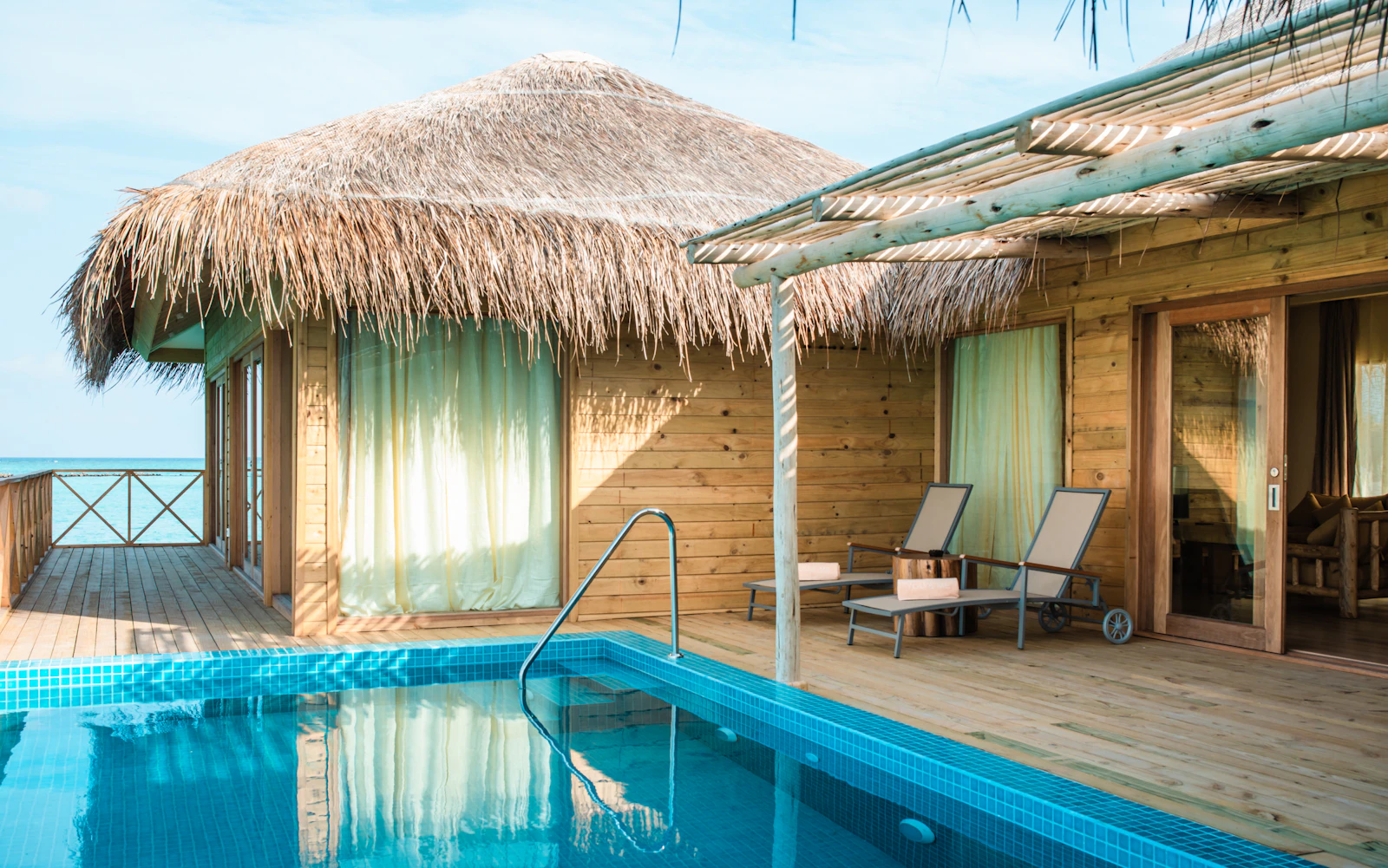
Blue Bay Hotel is a family-run retreat just a short walk from the beach.
Reserve a table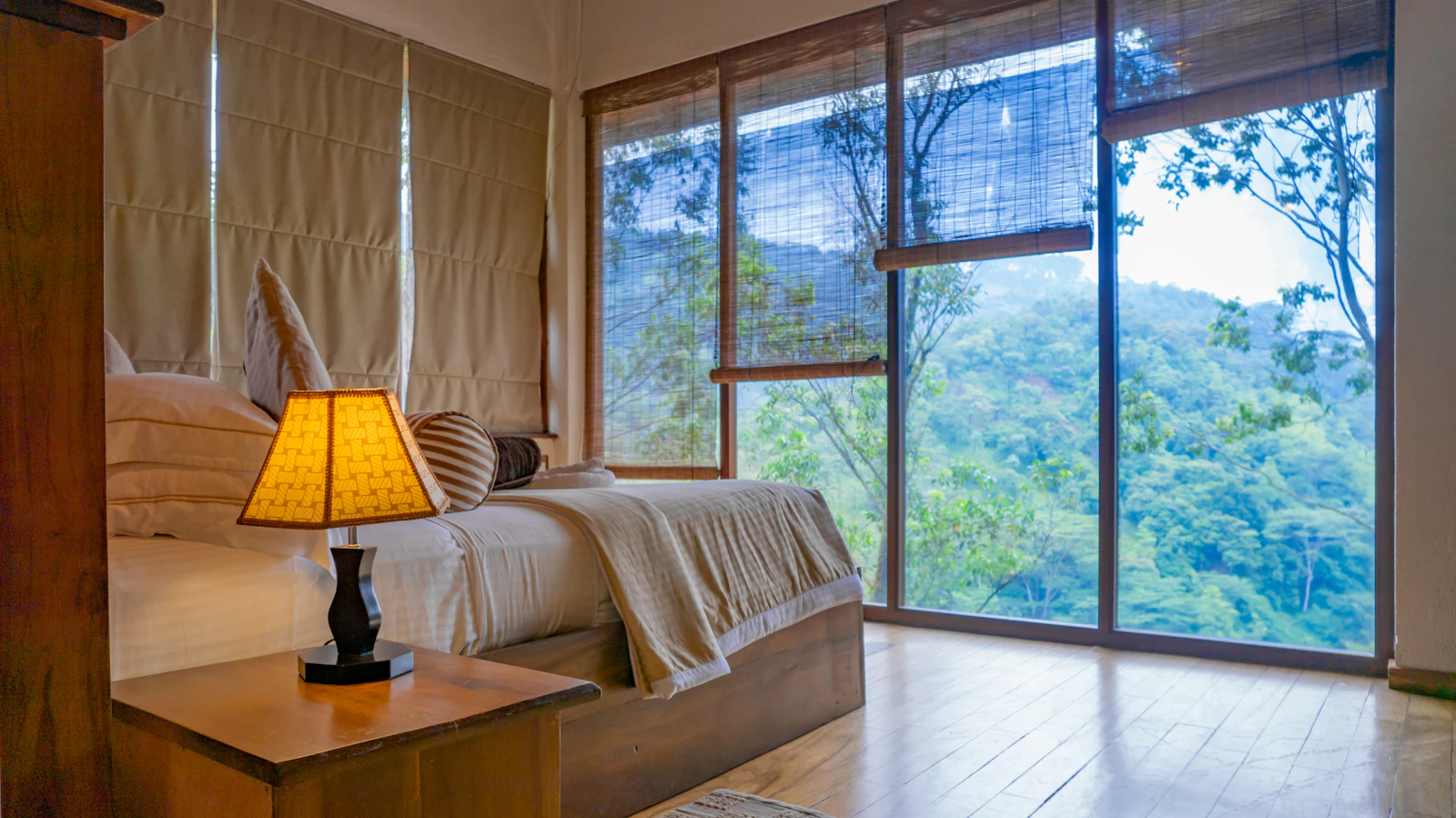
Our breakfast, made with local ingredients, is included in your stay.
View rooms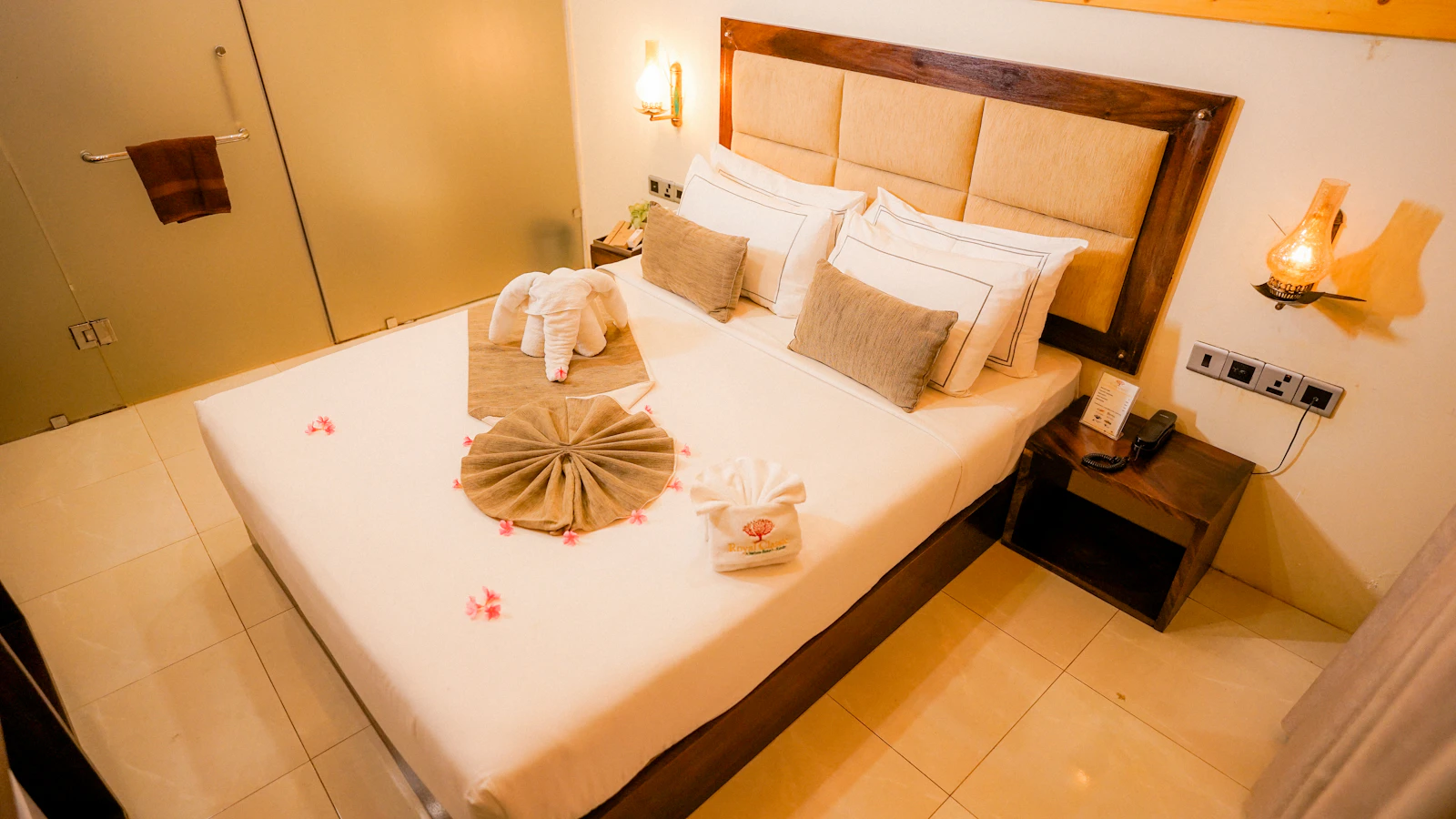
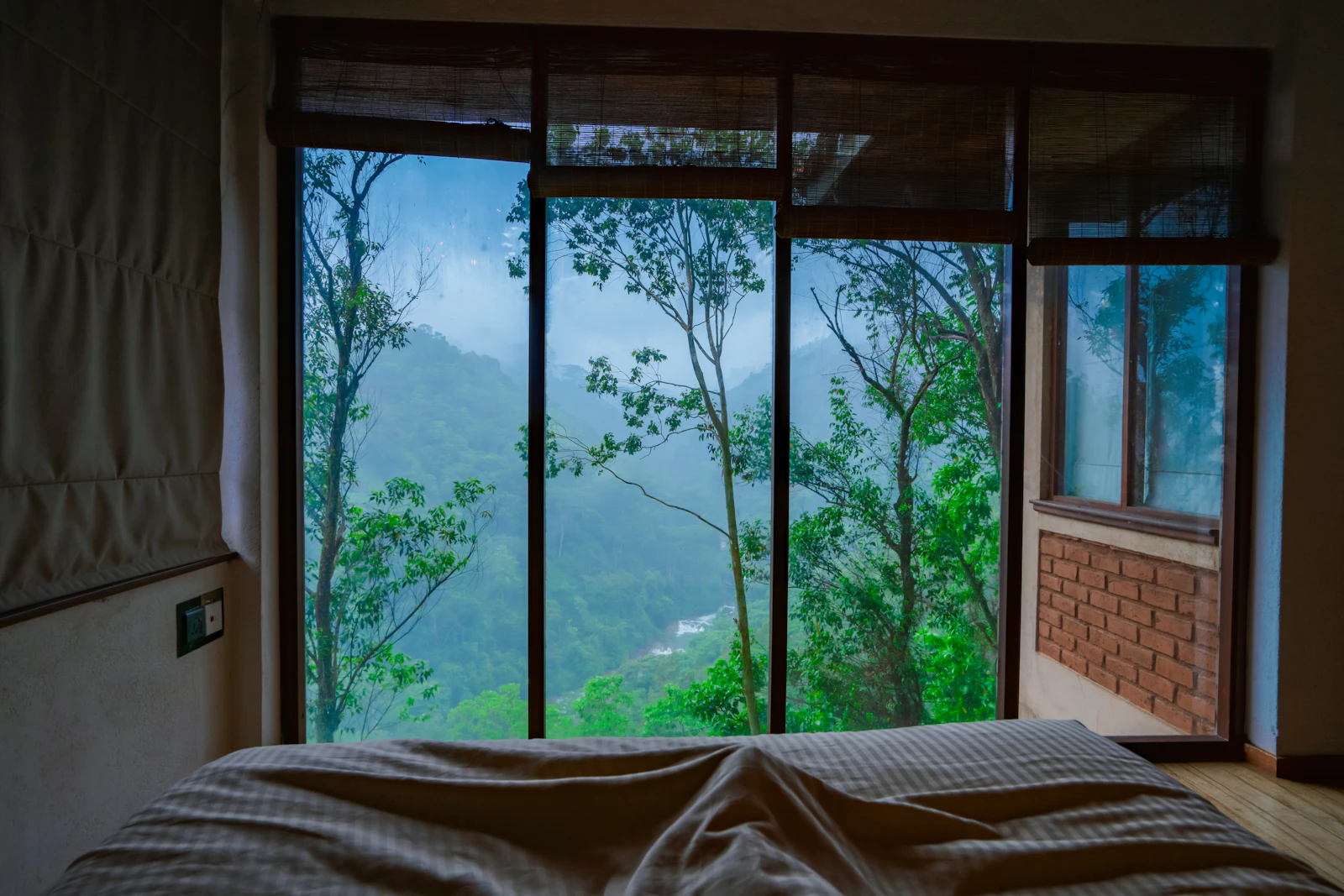
A quiet, green and relaxing setting.
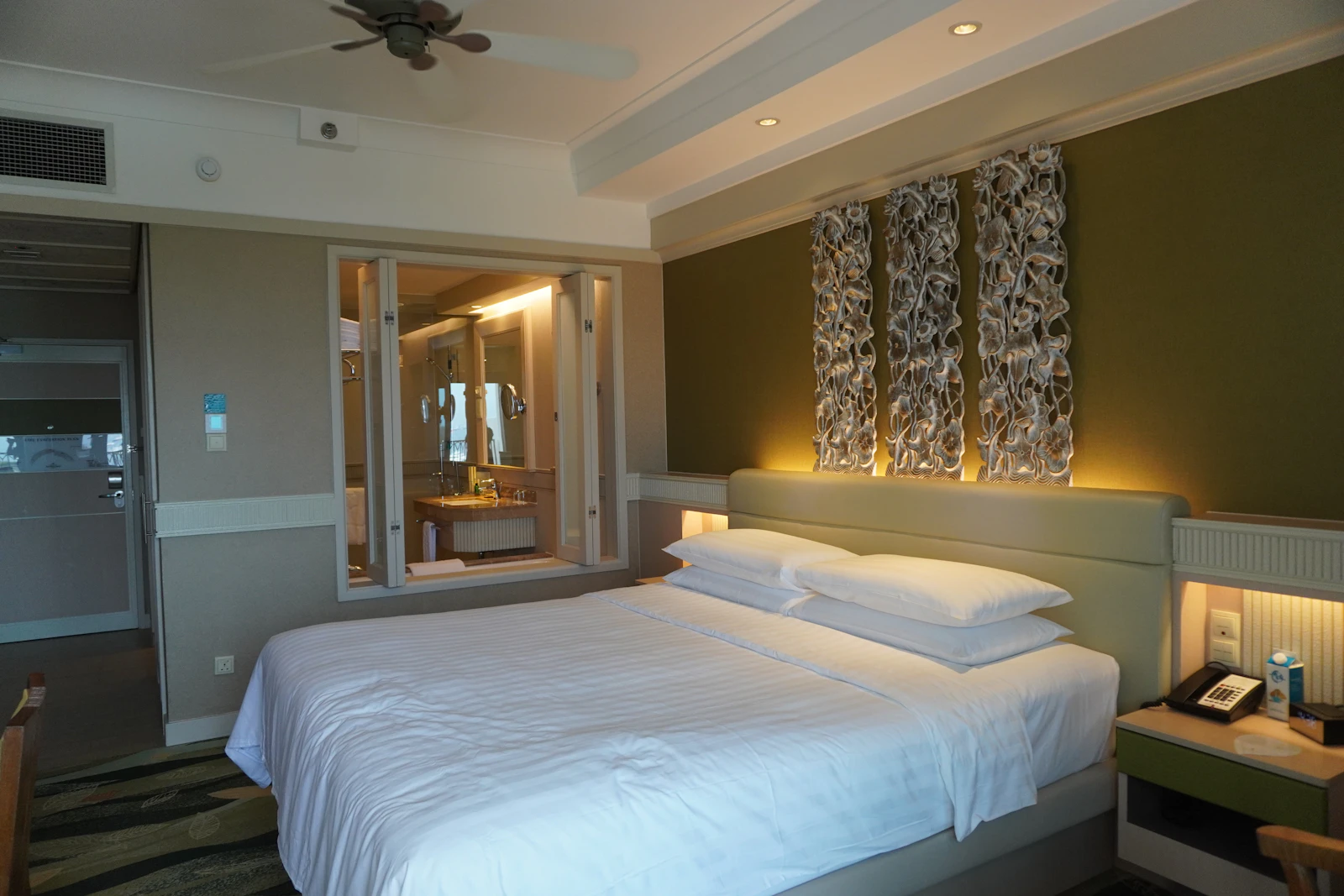
Every room has air conditioning, free Wi-Fi and a private bathroom.
A generous breakfast spread every morning.
Covered on-site parking.
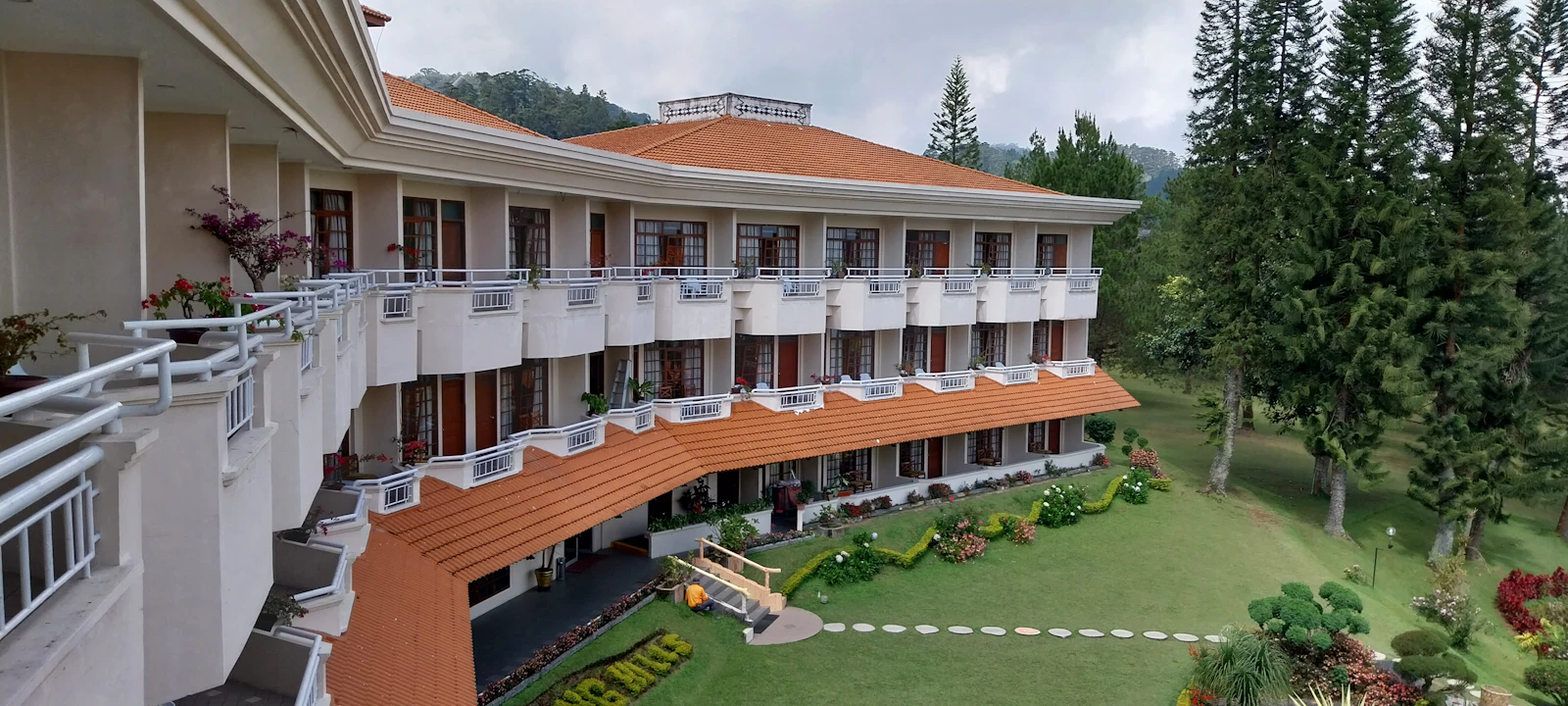
A relaxing spot surrounded by greenery.
In every room and common area.
“The sea view from our balcony was stunning. Breakfast was a spread of local specialties, and we felt the warmth of a family-run place every moment.”
“We were looking for somewhere comfortable with the kids. The family room was spacious and the garden was safe for them to play. We'll be back next year.”
“The front desk helped with every request right away. Quiet, spotless and a short walk to the beach: the perfect place to unwind.”
Send us your dates and we'll get back to you with availability and rates right away.
Phone
Address
Opening hours
About this template
Guests look before they read. Show the best of your property in large, bright photos: the view, the rooms, breakfast, the garden or the pool. The template opens with a full-screen slider, and each slide can carry a short headline and a booking button. The rooms section that follows presents every room type as a card with a photo, capacity, view and nightly rate.
Use the amenities section to list the details guests check before deciding, such as breakfast, parking, Wi-Fi and the pool, in short points. The contact area with a map makes it easy to see how far you are from the beach, the town centre or the airport, and you can note your reception hours there too. Guest reviews build confidence, so only use genuine ones. Be honest with photos as well; when guests find exactly what they saw, nobody is disappointed. If most of your guests come from abroad, you can set the site language to English.
To be clear about bookings: BirSitem has no built-in booking or availability engine. Guests write their dates in the contact form, call you, or message you with the floating WhatsApp button, and enquiries reach your dashboard and email. If you use a channel manager or an online booking service, you can add its booking widget to your page with the embed block. Direct enquiries through your own site let you build a relationship with guests from the very first message.
There is no built-in booking engine or online payment; enquiries come in through the contact form, phone and WhatsApp. If you use an external booking service, you can add its widget with the embed block, as long as it runs on an https address.
The rates on the room cards are placeholders. Click a card in the editor, change the rate, description or photo and publish. For seasonal pricing, you can show a starting rate and note that exact prices depend on the dates.
Yes. The map is switched on in the template's contact area and shows where you are. Your address, phone number and social links are also added to the page automatically as structured data that search engines can read.
Yes. There is a free-forever plan for a one-page site, so you can pick this template and start editing right away. Multiple pages, your own domain and blog posts come with paid plans; current terms are on the pricing page.
Open the template, swap in your own text and photos and publish in one click. One-page sites are free forever, and you can try it without signing up.
What Every Salon, Restaurant and Clinic Website Needs (Checklist)
The essentials every local business website needs, sector-specific tips for salons, restaurants and clinics, the most common mistakes and a checklist to run before you publish.
How to Get Your Business Found on Google (Business Profile + Website)
From setting up a Google Business Profile and handling reviews to preparing your website for local search and Search Console, here’s how to get found on Google.